Earcontext Audio – buying, use and care
This guide is written for the shelf this shop actually stocks: wired in-ear monitors, 58 of them, from the bsinger in ear monitor headphone models at 39.99 up to 139.99 at the top. It covers four decisions in order – what the monitor is for, which driver build suits that, whether you want a detachable cable, and which plug is on the end of it – and then the two things that decide whether you keep the pair: fit and maintenance. Nothing here is a specification this shop has not published; where a listing is silent on a figure, the guide says to ask rather than supplying a number.
Choosing, in the order that works
Most wrong purchases are made by starting at the wrong end – colour, or driver count, before use.
- 01
Say what it is for
Stage monitoring under in-ear backline is a different job from mixing at a desk, which is different from commuting or long listening. Stage use wants isolation and a secure seal; desk use tolerates a looser fit but rewards detail; commuting wants the seal most of all, because it is what lets you hear at a safe volume. Write the use down before opening a product page.
- 02
Pick the driver build that serves that use
The shelves are sorted by driver type, then by connector. Bsinger holds 22 models starting at $40, including Bsinger PRO, the PRO 2-Pin versions, BC100 and the second generation. Dual Drivers is where the BVIBE 1DD+1BA and the MiX-PD planar-plus-dynamic builds sit. ASONE is the 14.2 mm planar magnetic shelf and ships with interchangeable 3.5 mm and 4.4 mm plugs. MMCX is the replaceable-cable triple-driver shelf, Metalen is the 2DD+2BA hybrid, and More Picks carries the odd pieces: a pair of Bmaster earbuds sold without accessories, the PA60 portable USB-C DAC and amplifier, and a clearance colourway. A single dynamic driver is the simplest and usually the most forgiving with a poor source. Multi-driver sets split the work between drivers – a dynamic unit for the low end, balanced armatures for detail – which is what the 1DD+1BA, 2DD+2BA and 1DD+4BA model names describe. Planar magnetic units, like the 14.2 mm in the ASONE listings, use a flat diaphragm and are the ones to look at if you want the whole spectrum out of a single transducer.
- 03
Then decide about the cable
Two detachable connector standards appear in the titles here: MMCX and 2-Pin. They are not interchangeable, so a spare or upgraded cable has to match the one printed on the model name. The Bmaster earbuds in More Picks are listed as MMCX without accessories, which is exactly what it says: the shell and its connector, no extra cable in the box. If you will live with the monitors for years, or you knock the cable against a mic stand, a detachable build is worth more than a marginally nicer shell. If you want the cheapest working pair and will replace the whole thing when it wears out, a fixed-cable model is the honest choice.
- 04
Check the plug before the checkout
The ASONE planar models ship with both a 3.5 mm and a 4.4 mm balanced plug in the box, and the swap is at the end of the cable rather than inside the shell. The PA60 is a USB-C source with both outputs on it, which is the practical way to drive a planar monitor from a phone. A plug mismatch is the single most common avoidable return on a monitor shop, and it costs you a return window. An adapter solves it on the night; it does not solve it in a case on a gig.
- 05
Compare like for like, then ask
A planar monitor with a 4.4 mm balanced plug wants more current than a phone jack gives comfortably, which is why the ASONE listings include the balanced plug and why the PA60 exists. Nothing here requires an extra box to make sound, and each listing names the plug it ships with. Where two listings are genuinely close for your use, send both model names to the contact page and ask the specific question. A reply that says the listing does not publish that figure is more useful than a guess with a decimal point on it.
Fit: the part nobody warns you about
A monitor that does not seal sounds wrong in a way that gets blamed on the driver.
TIPS
Start with the fitted size
Fit decides whether you hear the tuning. Seat the monitor with the cable over the ear where the shell is shaped for it, then try the other tip size before you judge the bass. Sizes are listed where the listing names the tips supplied. Work one size up and one size down before you judge anything else. A loss of seal shows up first as missing bass, then as a thin, harsh top end – and then as a return request for a monitor that was fine.
ROUTE
Cable over the ear where the shell allows it
Most of these shells are shaped to sit with the cable going up and over the pinna. It is not a stylistic habit: it takes the weight of the cable off the seal, and on a stage it stops the cable transmitting every arm movement into your ear.
VOLUME
Let the seal do the work
Isolation is why an in-ear monitor can be listened to quietly in a loud room. If you are turning it up to beat the room, the seal is the first suspect and your hearing is the thing paying for it.
PATIENCE
Give it a few hours of actual use
A new seal feels strange for an afternoon. Judge the sound after a rehearsal or a proper album, not after ninety seconds of a test track. If it is still wrong, the conditions in the returns policy cover you for 30 days from delivery – unused, in the original packaging.
What the shelves look like
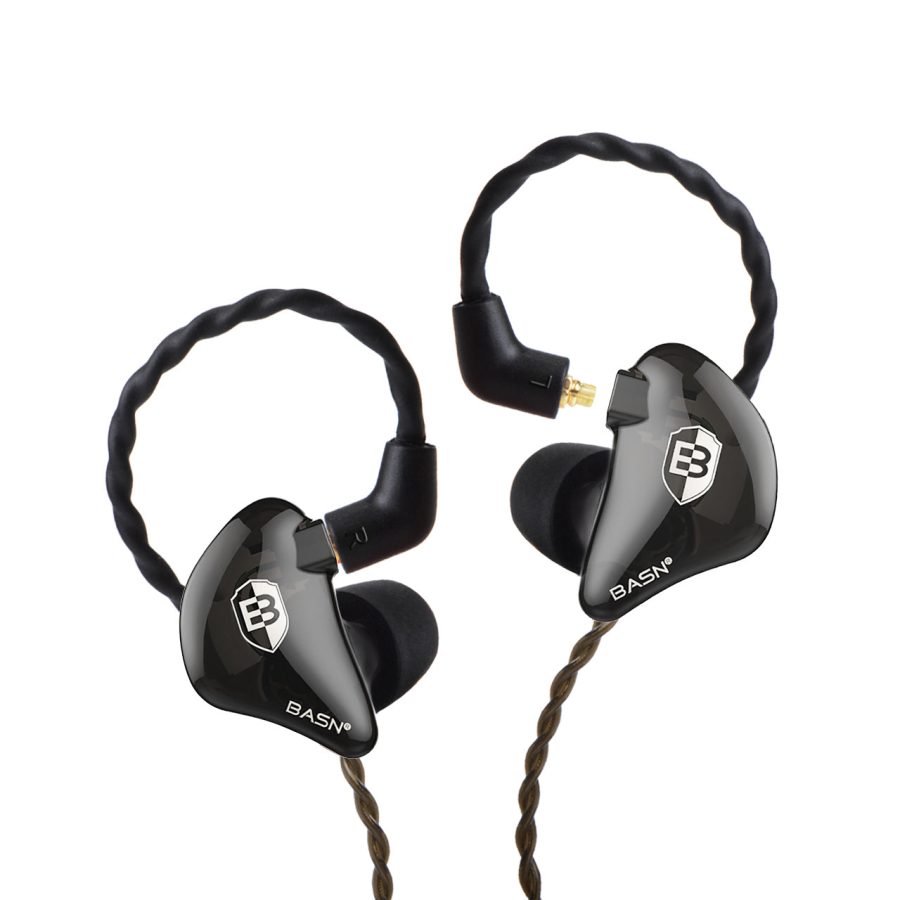
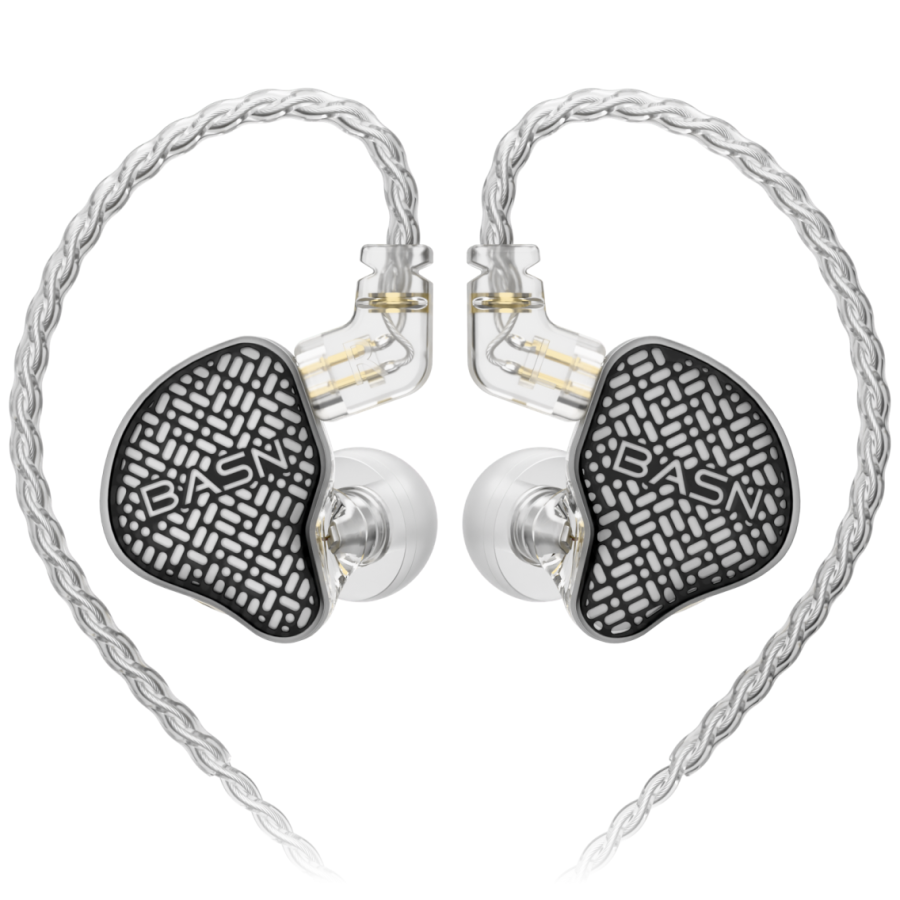
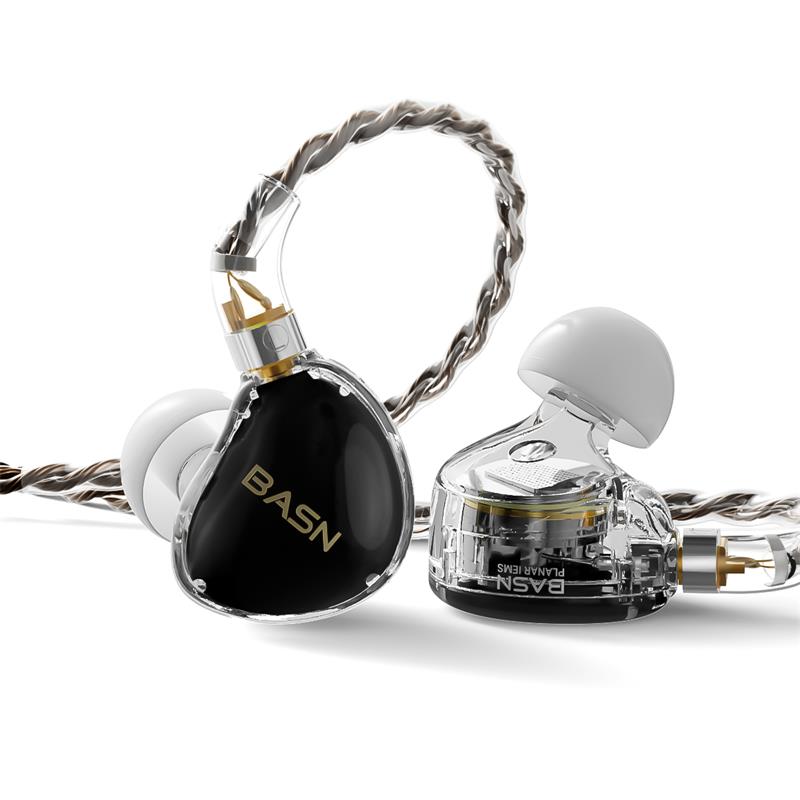
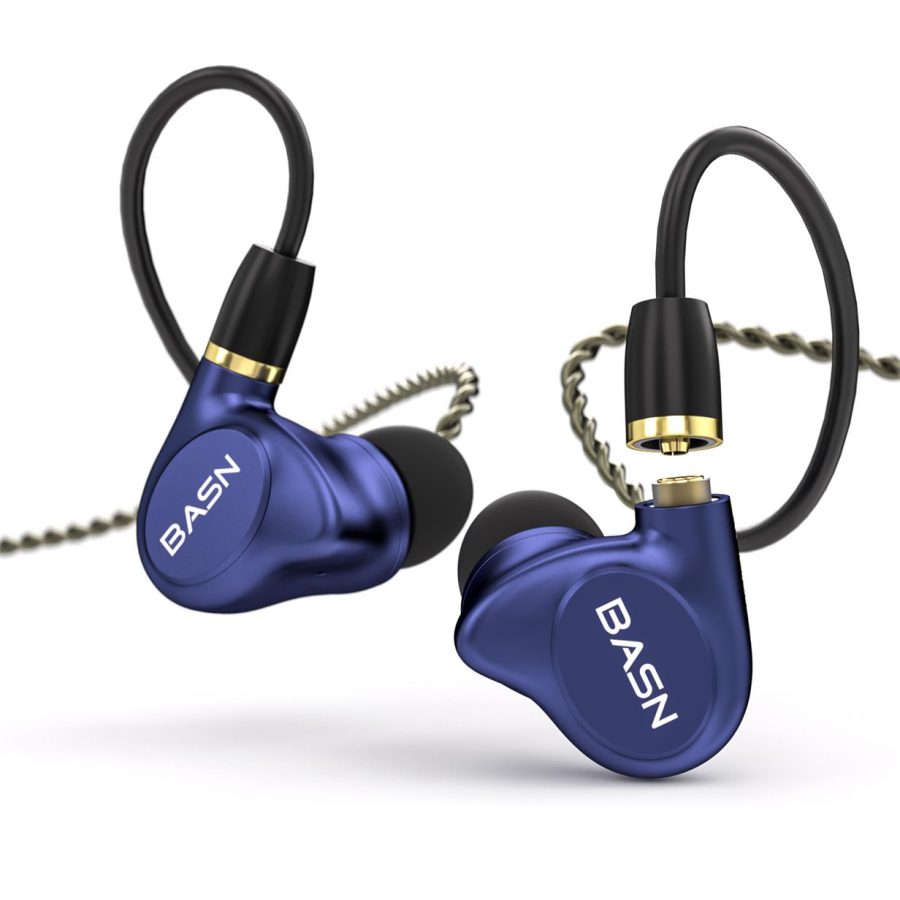
Photographs are taken from the product pages themselves, so what you see is the stock the listing sells. Open any of these shelves to read the model names, which carry the connector and plug information this guide keeps telling you to check.

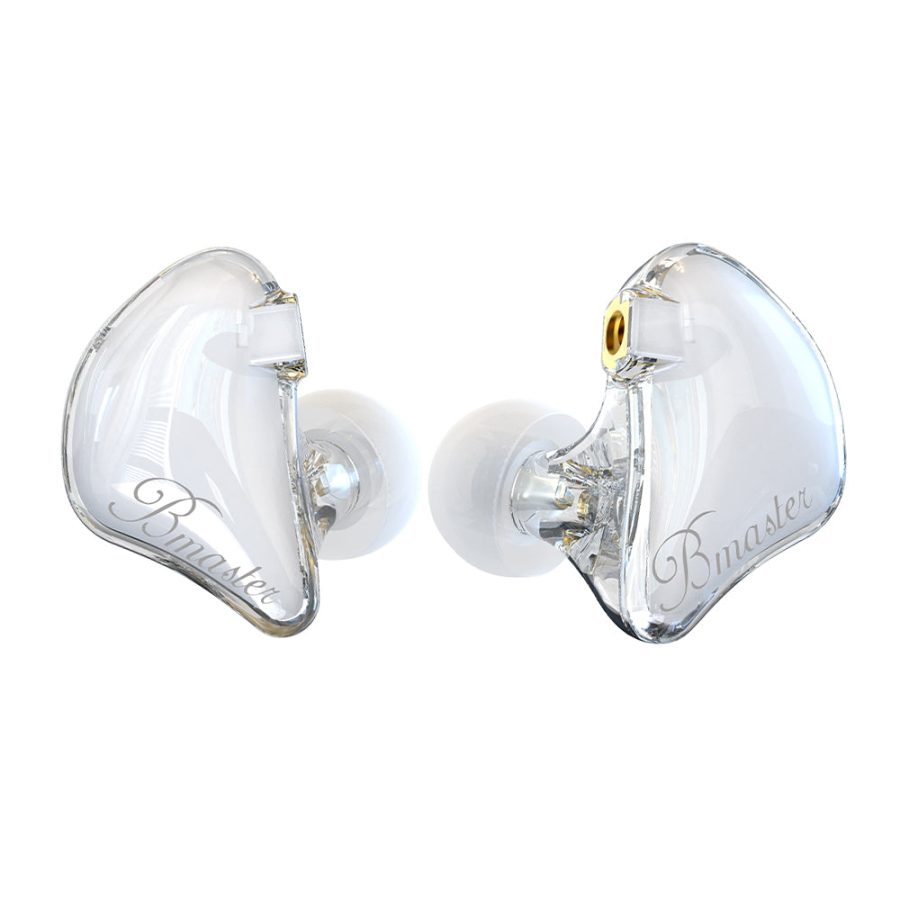
Use and care
None of this is exotic. It is the list of things that actually end a monitor.
Between sessions
Planar and hybrid monitors are no more fragile than dynamic ones, but the cable is where the wear shows first. Unplug by the connector, not by pulling the cable, and coil it loosely around the fist rather than around a phone. Keep the tips clean and dry: the seal is what makes the low end arrive, and a sealed monitor also needs less volume in a loud room. Tips collect wax and lint, and a blocked nozzle reads exactly like a failed driver, so check the tip before you conclude anything about the monitor.
Coiling and carrying
Coil the cable loosely around your fist, not around a phone or a hand of variable width, and secure it with its own tie rather than a knot. Where the model has a detachable cable, unclip at the connector: Two detachable connector standards appear in the titles here: MMCX and 2-Pin. They are not interchangeable, so a spare or upgraded cable has to match the one printed on the model name. The Bmaster earbuds in More Picks are listed as MMCX without accessories, which is exactly what it says: the shell and its connector, no extra cable in the box.
Before a gig
Walk the signal path with the monitors on before you are on stage: source, adapter, cable seating, both sides outputting at the same level. Finding a problem in the soundcheck costs ten minutes; finding it during a set costs you the set.
If something fails
The after-sales answers in the FAQ walk through the checks worth doing before you write. A verified fault inside 30 days of delivery is handled under delivery and returns where the cause is transit, and under returns otherwise – either way with photographs and the order number, and with the freight falling on whoever caused it.
Specifications, prices and images on this site come from this store's product records.